iPhone 17 • Unlocked eSIM
Overview
Model: iPhone 17
Status: Unlocked (factory unlocked)
Connectivity: eSIM only (no physical SIM tray)
Carrier compatibility: Works with all major U.S. carriers and many international carriers that support eSIM activation
Condition: New (factory sealed) — specify if you need refurbished or used options
Key Features
Display: OLED (Adaptive refresh rate up to 120Hz), HDR, Super Retina XDR
Processor: Apple A-series (latest generation) — optimized for performance and efficiency
Storage options: Multiple capacities available (128GB, 256GB, 512GB, 1TB) — select based on your needs
Camera system: Advanced multi-lens setup with improved low-light performance, enhanced computational photography, and Pro-grade video features
Battery: All-day battery life with fast charging and wireless charging support
Design: Sleek aluminum/ceramic frame, available in several finishes and colors
Security: Face ID (under-display or refined system), secure enclave for biometric and sensitive data
Software: Ships with latest iOS, includes privacy and security enhancements, regular updates from Apple
Benefits of Unlocked eSIM
Flexibility: Switch carriers or plans without swapping physical SIM cards
Travel convenience: Add local eSIM plans when traveling internationally for data and calls without needing a new SIM
Dual-line capability: Use a primary eSIM and add a secondary eSIM for business or travel (subject to carrier support)
Instant activation: Activate service digitally — no waiting for a physical SIM card delivery
What to Check Before Buying
Carrier support: Confirm your carrier supports eSIM activation for iPhone 17 (some regional carriers may have limitations)
Compatibility: If you need to use a physical SIM temporarily, verify that the model is eSIM-only and plan accordingly
Unlock status verification: Request IMEI/serial to confirm the device is factory unlocked and not carrier-locked
Warranty and return policy: Confirm Apple warranty status and seller return terms, especially for third-party sellers
Accessories: Confirm included items (charger, USB-C/Lightning cable, documentation); new Apple packaging may not include power adapter
How to Activate an eSIM on iPhone 17
Obtain eSIM details from your carrier (QR code, SM-DP+ address and activation code, or carrier app)
Go to Settings > Cellular > Add Cellular Plan
Scan the carrier-provided QR code or enter details manually, or use the carrier app for activation
Assign labels (Primary, Business, Travel) and set default lines for voice, SMS, and data
Restart if prompted and confirm cellular connection in Settings
Use Cases
Frequent travelers who want local data plans without physical SIM swaps
People who maintain separate personal and business numbers on one device
Users who want the freedom to change carriers for better plans or coverage
Those who prefer a seamless digital activation process
Questions to Ask the Seller
Is the phone factory unlocked (not tied to any carrier or contract)?
Can you provide the IMEI/serial number for unlock verification?
Is the device brand new, refurbished, or used? Are there any cosmetic defects?
What is the warranty period and who provides it?
Are accessories included (cable, adapter)? Is battery health guaranteed?
Examples of Purchase Scenarios
Buying from Apple: Guaranteed unlocked device, full Apple warranty, straightforward eSIM setup
Buying from a carrier: May be sold as unlocked after contract — verify unlock status and possible carrier-owned limitations
Buying from third-party sellers: Potentially lower price, but verify IMEI/serial, warranty, and return policy before purchase
Summary An unlocked eSIM iPhone 17 provides maximum flexibility, easy travel-friendly connectivity, and multi-line capability without the need for physical SIM cards. Verify carrier support and unlock status before purchase and choose the storage option that best suits your usage.
iPhone 17 • Unlocked eSIM
Overview
Model: iPhone 17
Status: Unlocked (factory unlocked)
Connectivity: eSIM only (no physical SIM tray)
Carrier compatibility: Works with all major U.S. carriers and many international carriers that support eSIM activation
Condition: New (factory sealed) — specify if you need refurbished or used options
Key Features
Display: OLED (Adaptive refresh rate up to 120Hz), HDR, Super Retina XDR
Processor: Apple A-series (latest generation) — optimized for performance and efficiency
Storage options: Multiple capacities available (128GB, 256GB, 512GB, 1TB) — select based on your needs
Camera system: Advanced multi-lens setup with improved low-light performance, enhanced computational photography, and Pro-grade video features
Battery: All-day battery life with fast charging and wireless charging support
Design: Sleek aluminum/ceramic frame, available in several finishes and colors
Security: Face ID (under-display or refined system), secure enclave for biometric and sensitive data
Software: Ships with latest iOS, includes privacy and security enhancements, regular updates from Apple
Benefits of Unlocked eSIM
Flexibility: Switch carriers or plans without swapping physical SIM cards
Travel convenience: Add local eSIM plans when traveling internationally for data and calls without needing a new SIM
Dual-line capability: Use a primary eSIM and add a secondary eSIM for business or travel (subject to carrier support)
Instant activation: Activate service digitally — no waiting for a physical SIM card delivery
What to Check Before Buying
Carrier support: Confirm your carrier supports eSIM activation for iPhone 17 (some regional carriers may have limitations)
Compatibility: If you need to use a physical SIM temporarily, verify that the model is eSIM-only and plan accordingly
Unlock status verification: Request IMEI/serial to confirm the device is factory unlocked and not carrier-locked
Warranty and return policy: Confirm Apple warranty status and seller return terms, especially for third-party sellers
Accessories: Confirm included items (charger, USB-C/Lightning cable, documentation); new Apple packaging may not include power adapter
How to Activate an eSIM on iPhone 17
Obtain eSIM details from your carrier (QR code, SM-DP+ address and activation code, or carrier app)
Go to Settings > Cellular > Add Cellular Plan
Scan the carrier-provided QR code or enter details manually, or use the carrier app for activation
Assign labels (Primary, Business, Travel) and set default lines for voice, SMS, and data
Restart if prompted and confirm cellular connection in Settings
Use Cases
Frequent travelers who want local data plans without physical SIM swaps
People who maintain separate personal and business numbers on one device
Users who want the freedom to change carriers for better plans or coverage
Those who prefer a seamless digital activation process
Questions to Ask the Seller
Is the phone factory unlocked (not tied to any carrier or contract)?
Can you provide the IMEI/serial number for unlock verification?
Is the device brand new, refurbished, or used? Are there any cosmetic defects?
What is the warranty period and who provides it?
Are accessories included (cable, adapter)? Is battery health guaranteed?
Examples of Purchase Scenarios
Buying from Apple: Guaranteed unlocked device, full Apple warranty, straightforward eSIM setup
Buying from a carrier: May be sold as unlocked after contract — verify unlock status and possible carrier-owned limitations
Buying from third-party sellers: Potentially lower price, but verify IMEI/serial, warranty, and return policy before purchase
Summary An unlocked eSIM iPhone 17 provides maximum flexibility, easy travel-friendly connectivity, and multi-line capability without the need for physical SIM cards. Verify carrier support and unlock status before purchase and choose the storage option that best suits your usage.
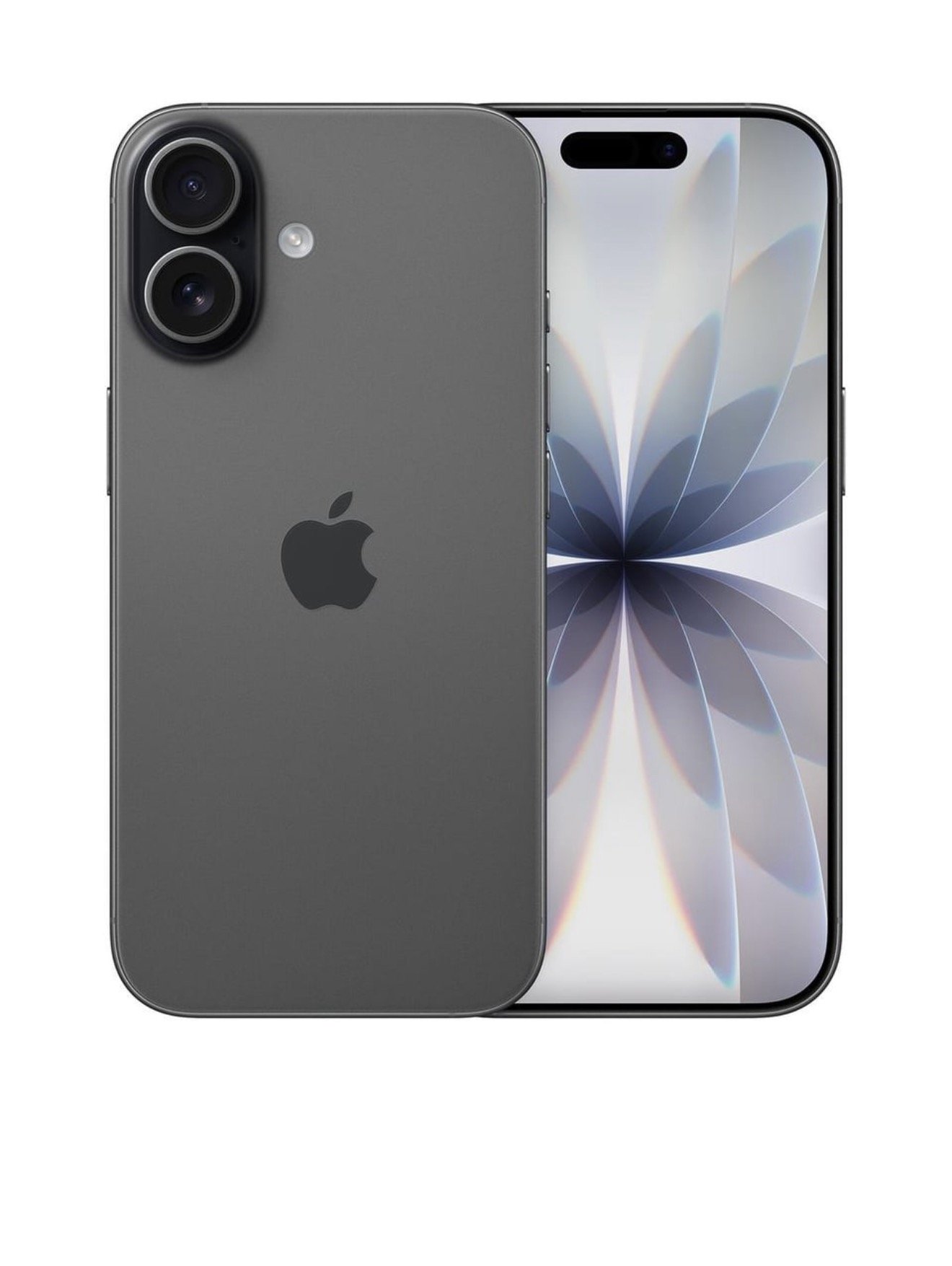 Image 1 of 6
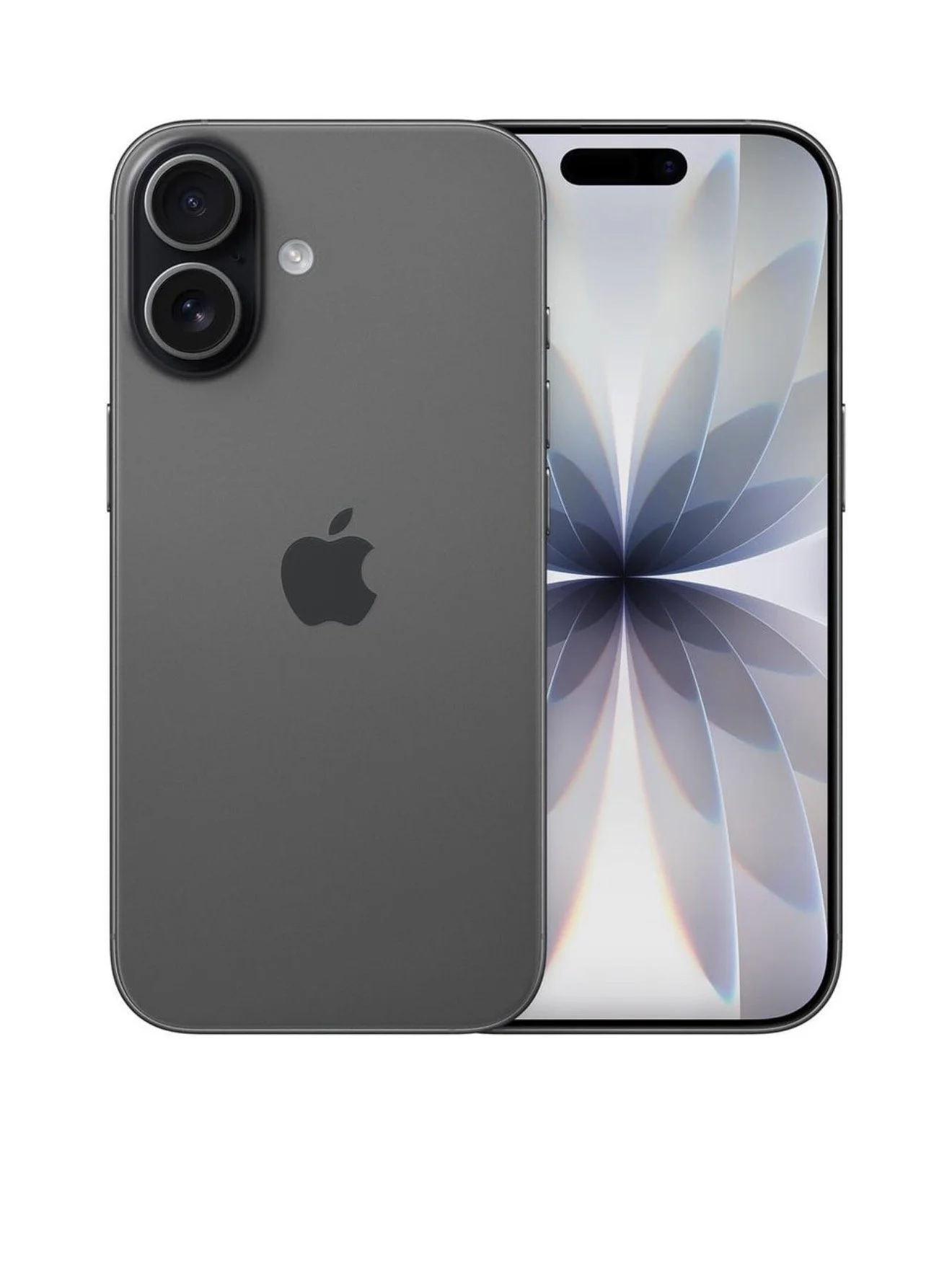 Image 2 of 6
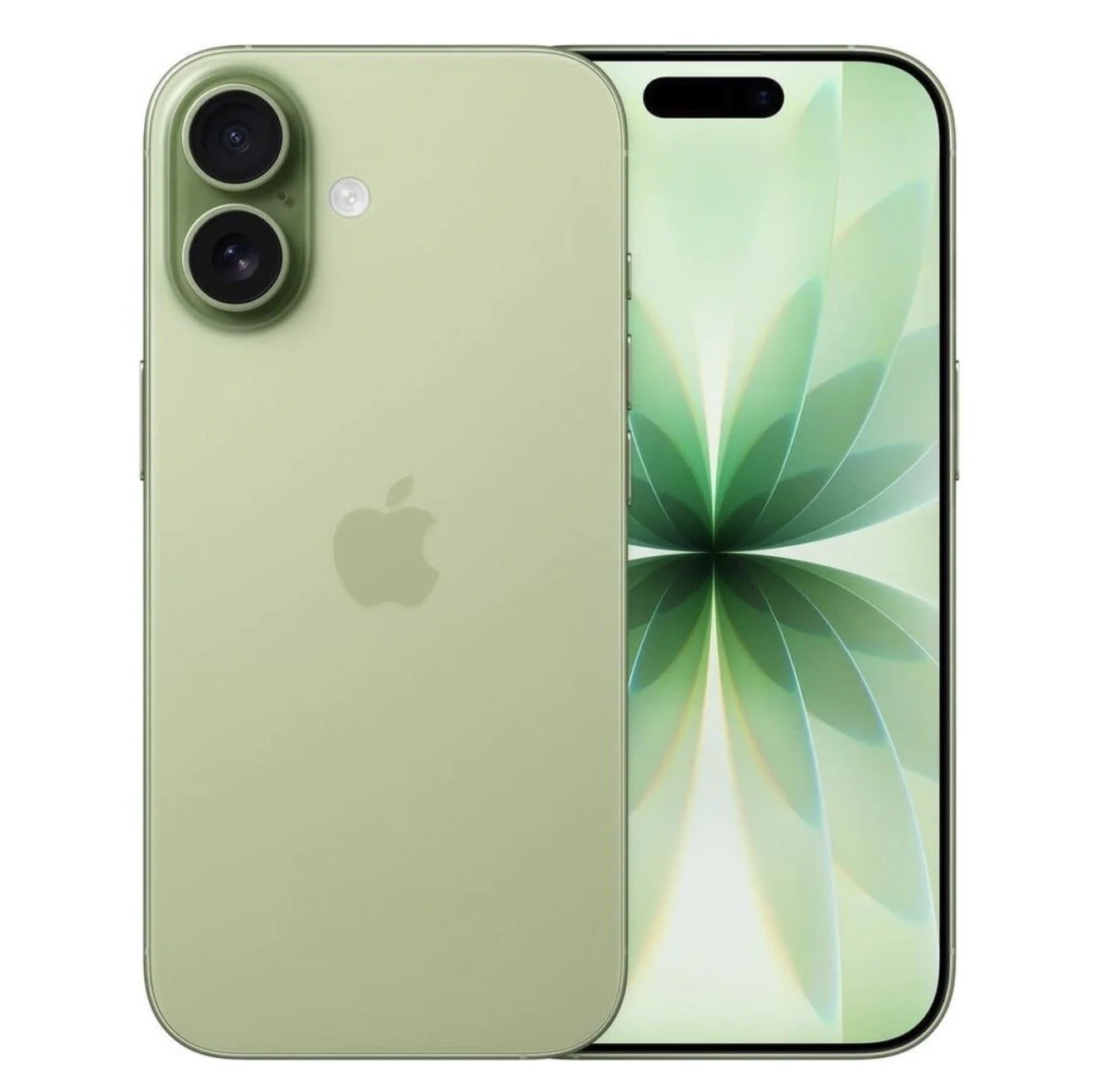 Image 3 of 6
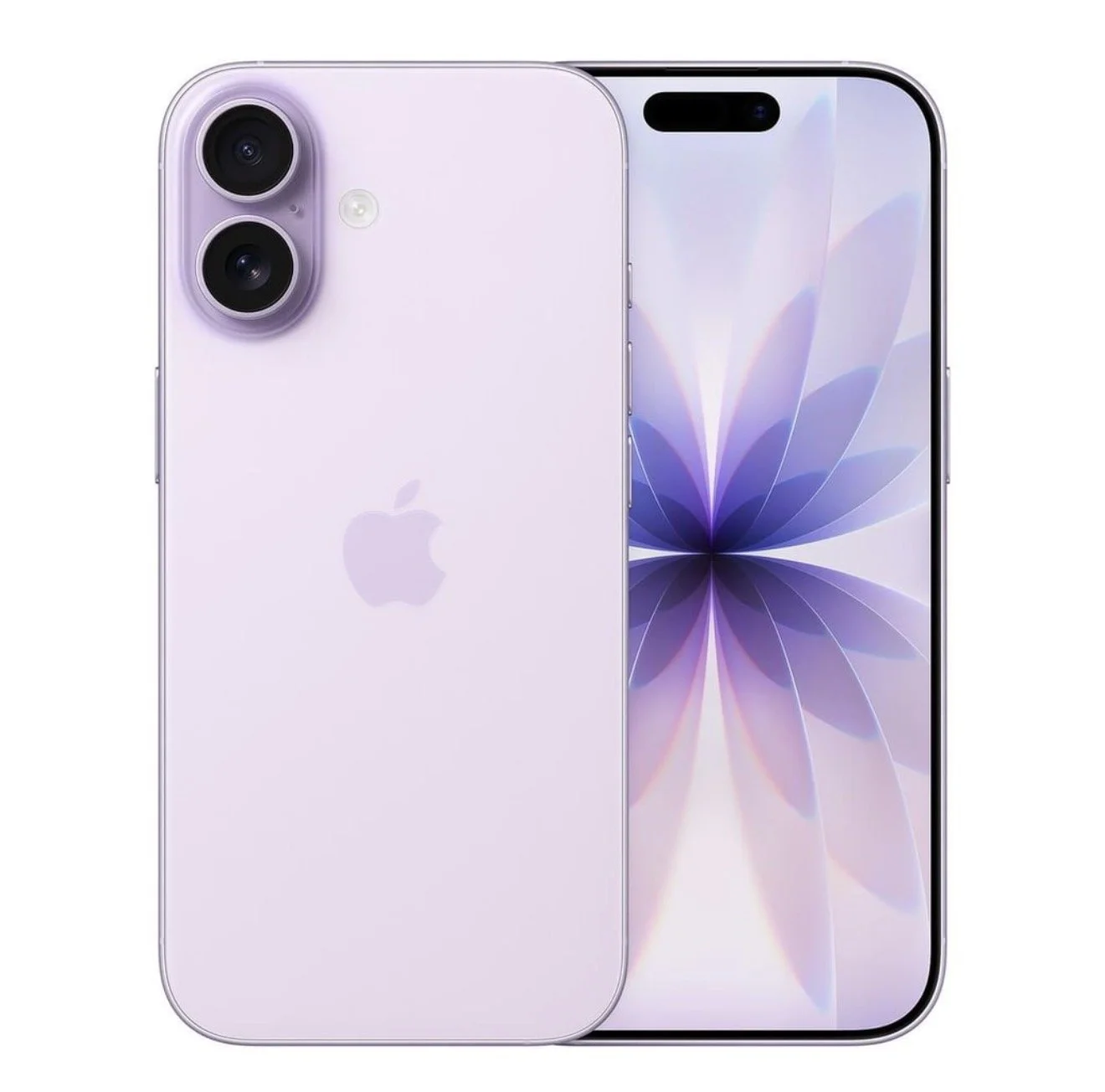 Image 4 of 6
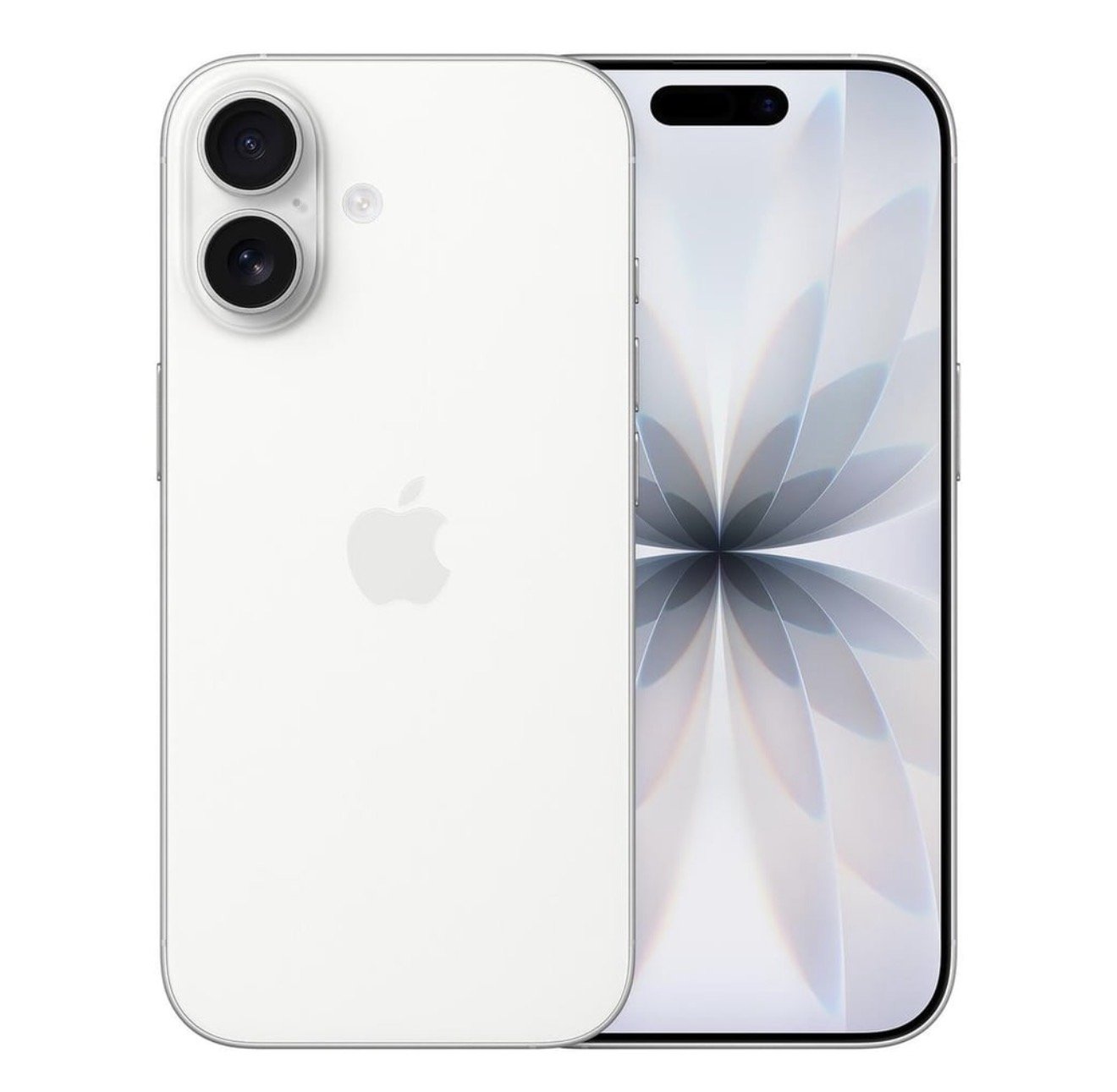 Image 5 of 6
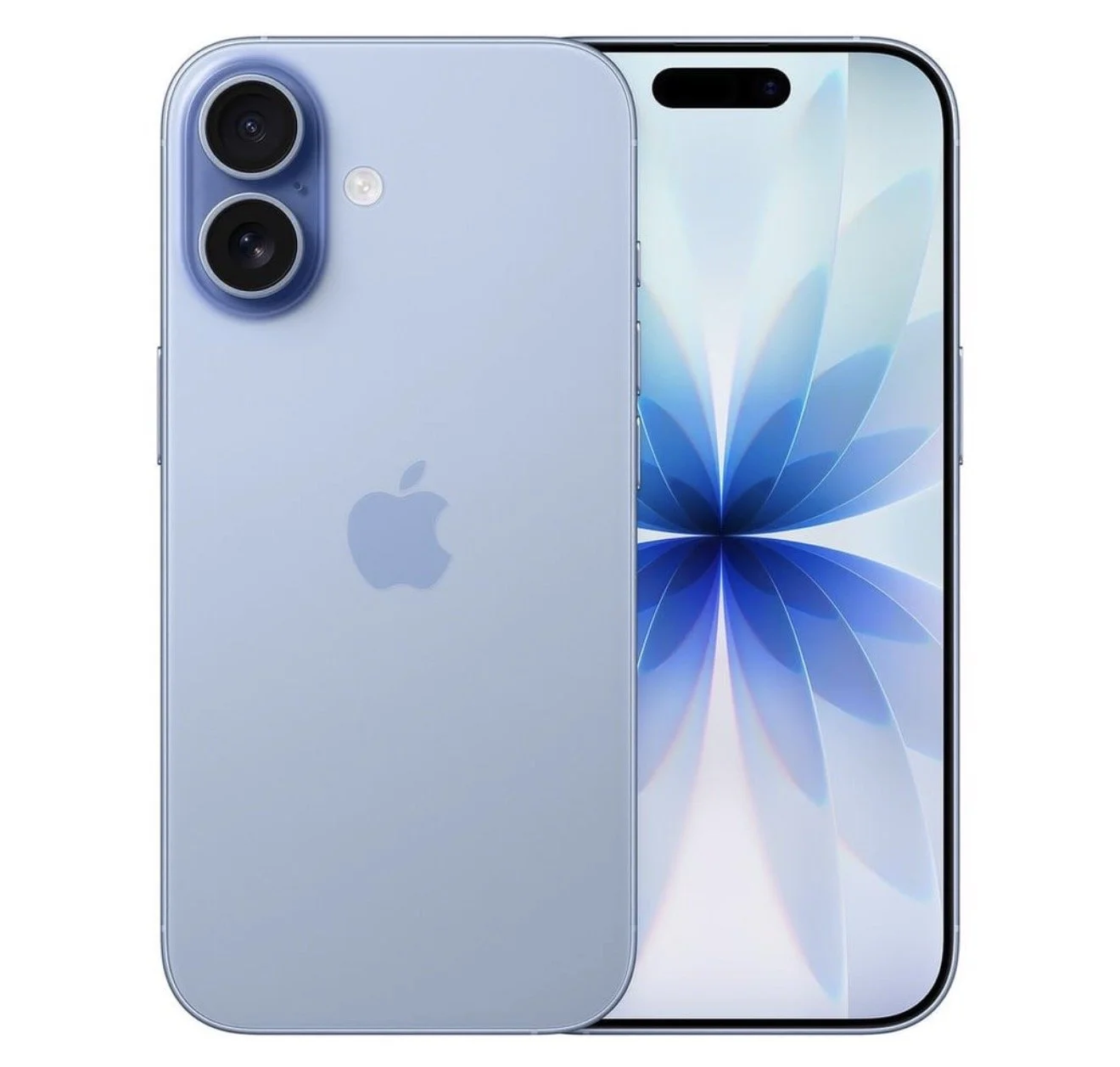 Image 6 of 6