 Image 1 of 5
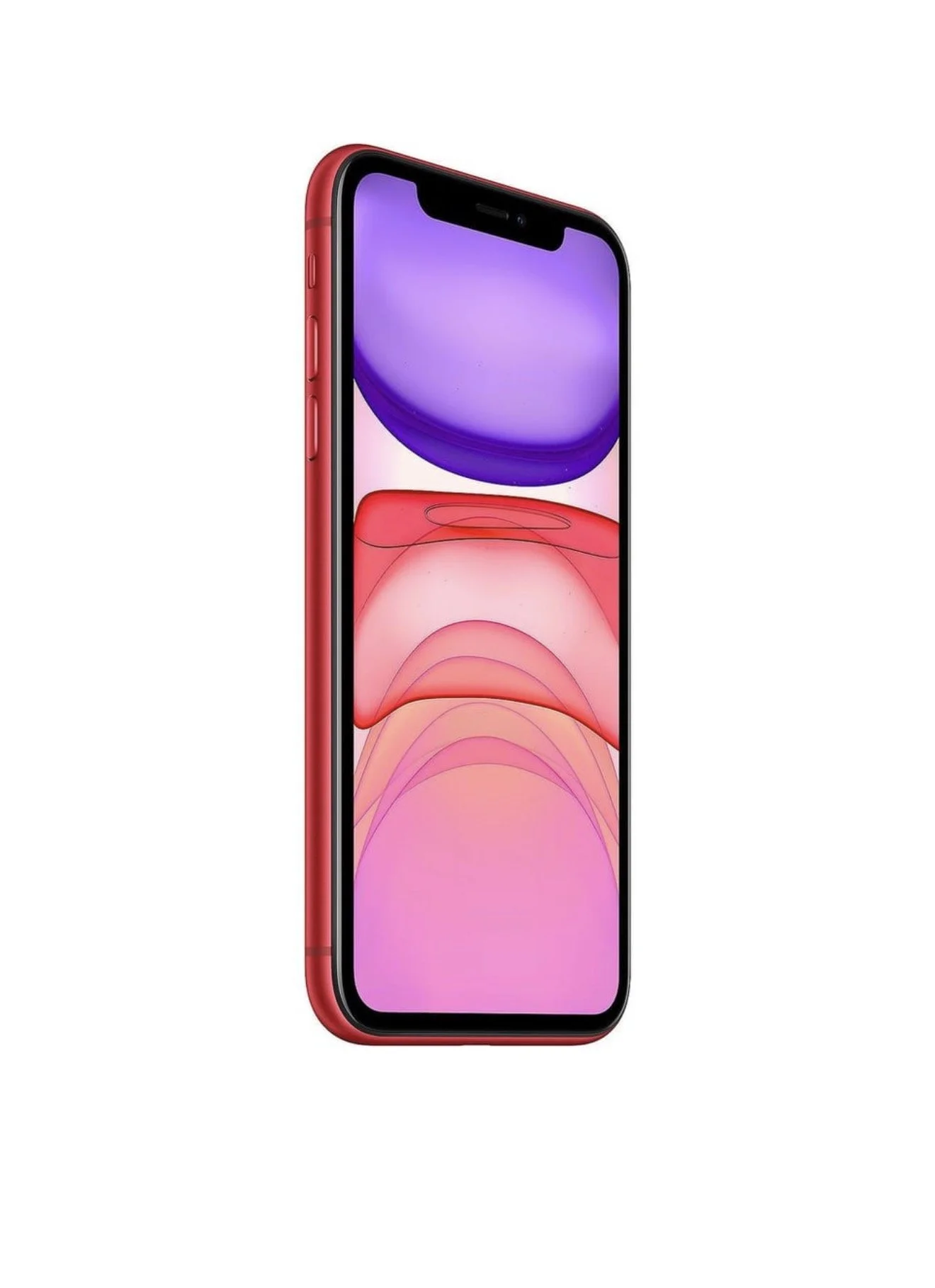 Image 2 of 5
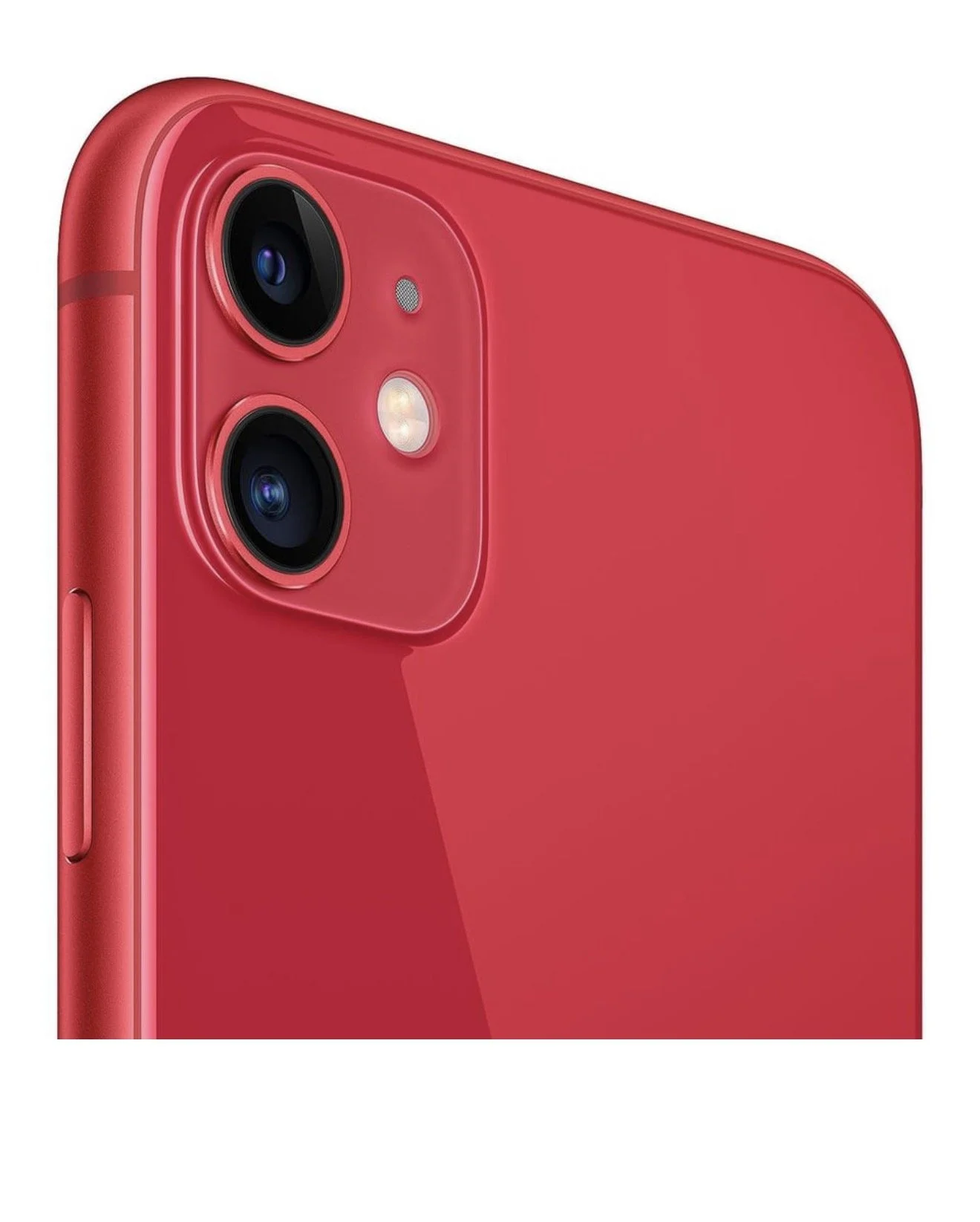 Image 3 of 5
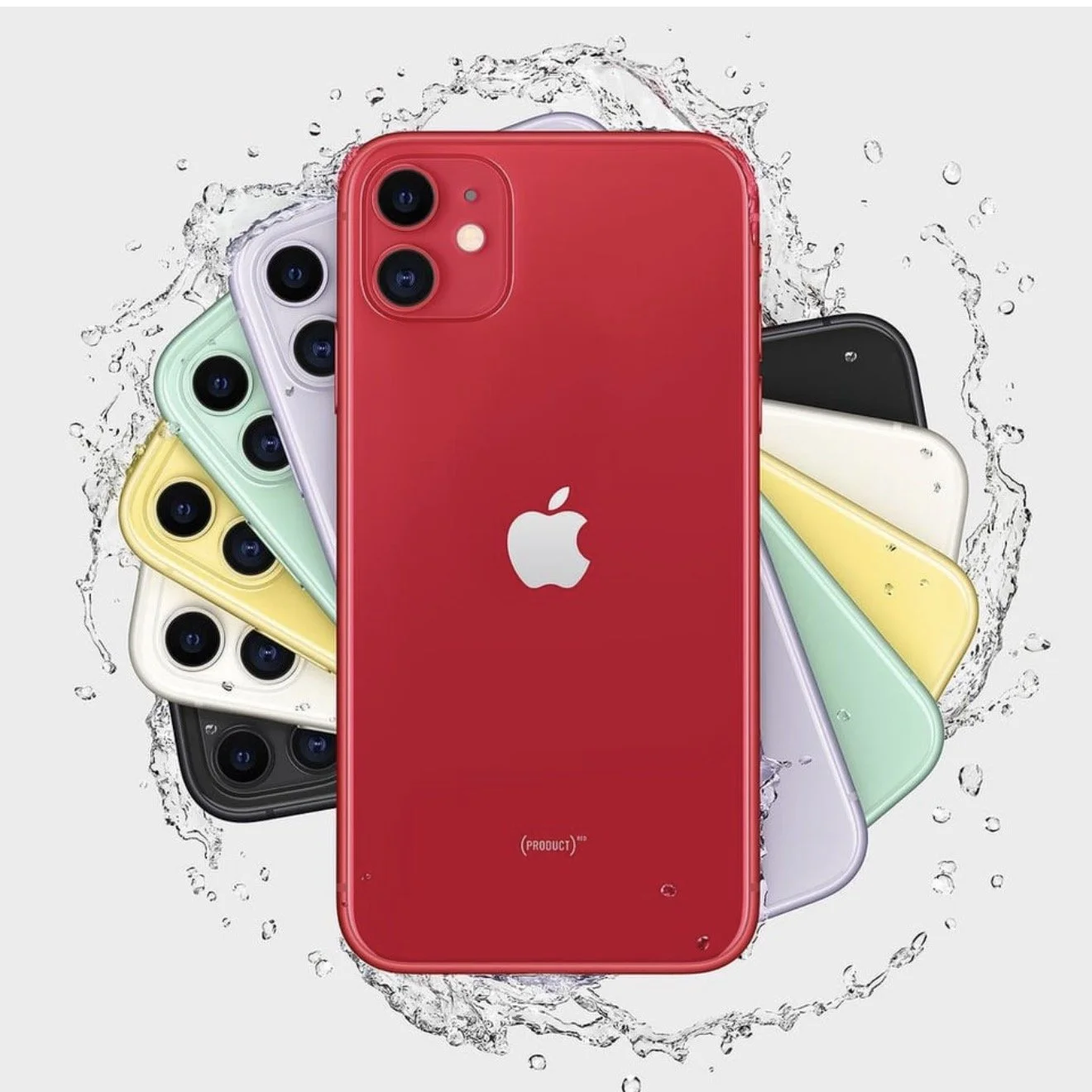 Image 4 of 5
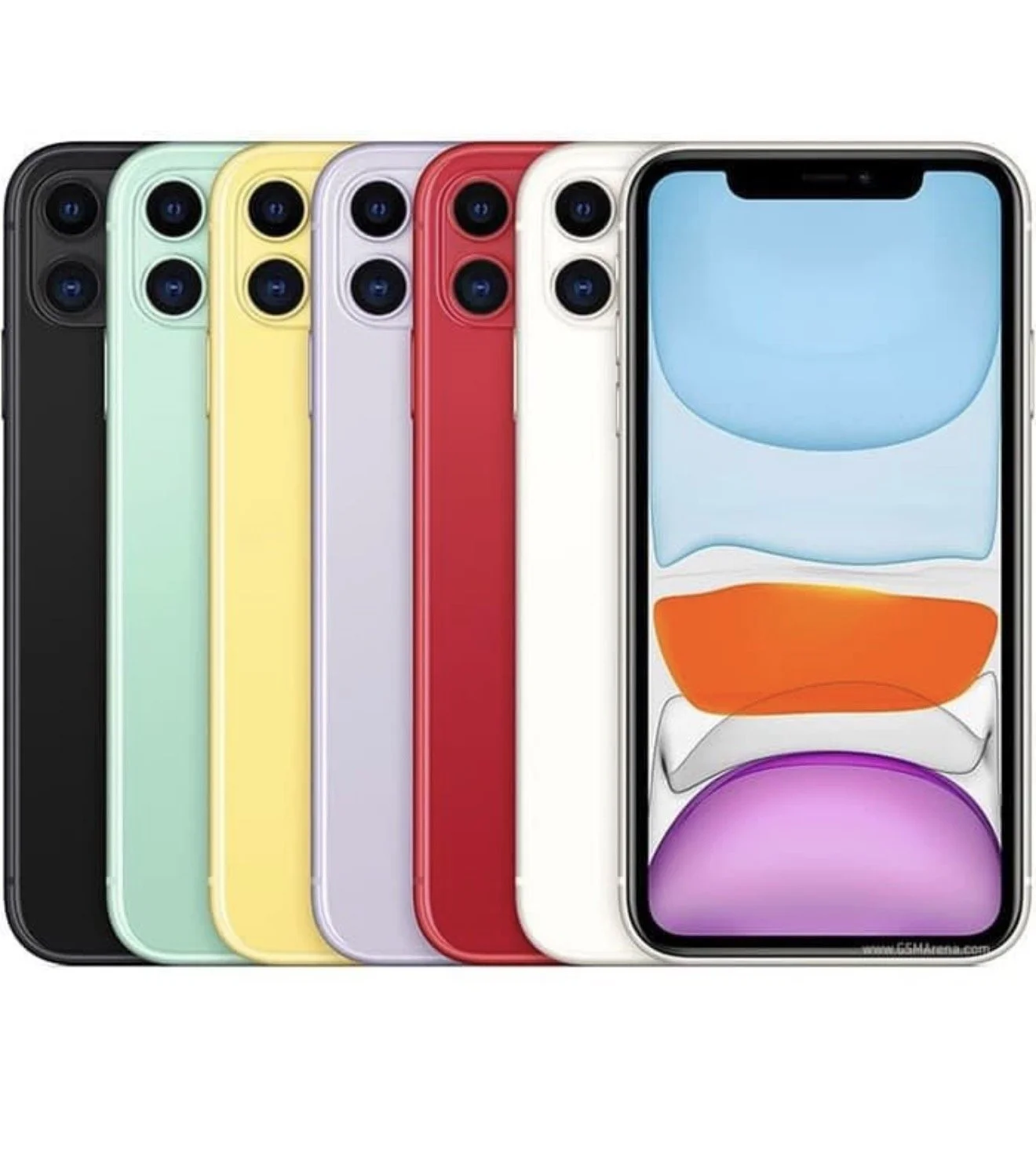 Image 5 of 5
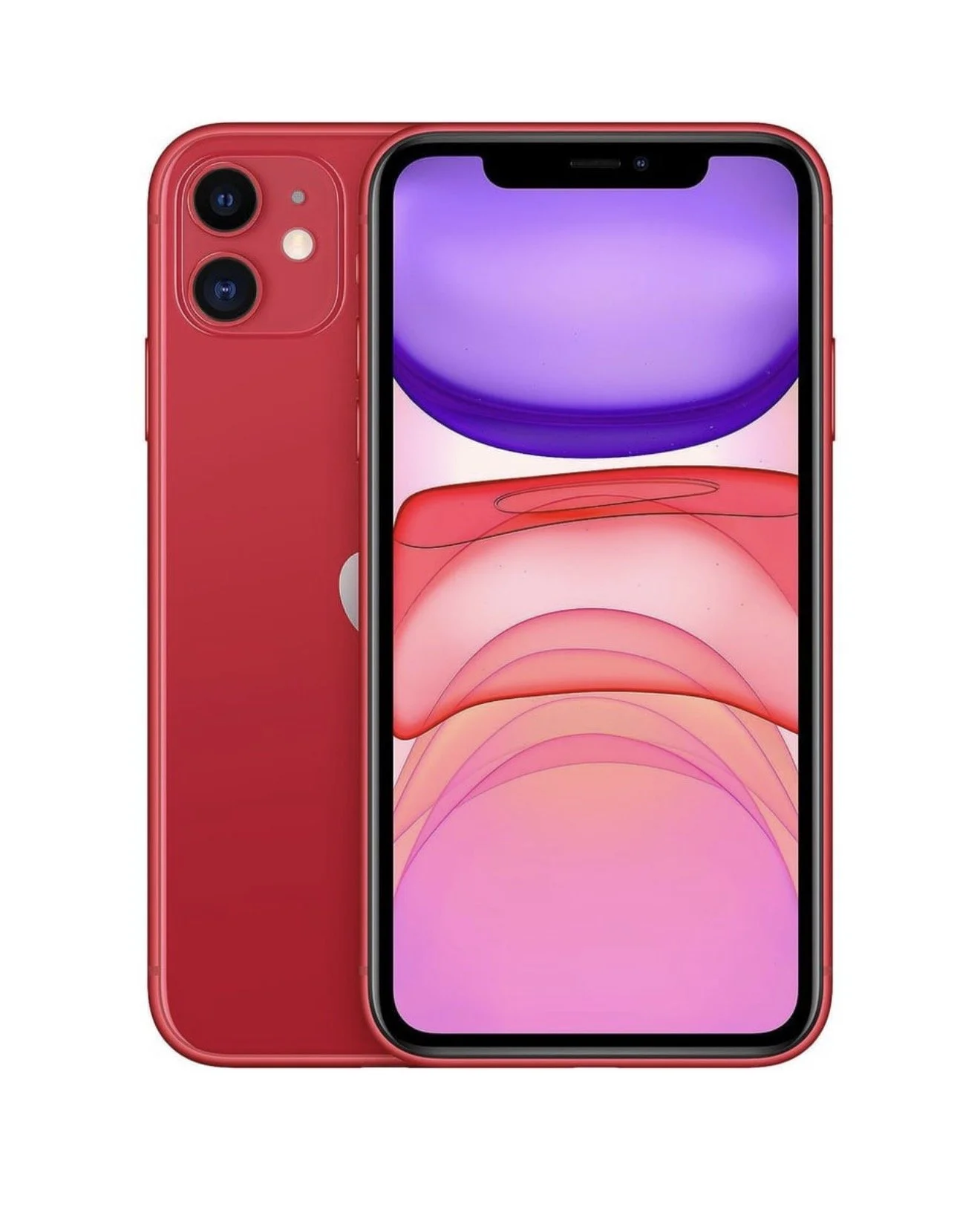
iPhone 11 — Unlocked (Physical SIM + eSIM)
Condition: Used — Good Carrier: Unlocked (works with any carrier that supports iPhone 11) Network: GSM/CDMA — Compatible with major U.S. carriers SIM: Physical nano-SIM + built-in eSIM (dual SIM capable) Color: Space Gray (example) — specify actual color when listing Storage: 64GB (example) — specify actual capacity when listing Model: A2111 / A2221 / A2223 (region may vary) — confirm model number iOS: Updatable to the latest supported iOS version Battery Health: 85%+ (example) — include current percentage when listing Included: iPhone 11, charging cable (no power adapter unless stated), SIM eject tool, no headphones (unless stated) Accessories: Add original box and accessories if available
Key Features
6.1‑inch Liquid Retina HD display (LCD) with True Tone
Dual 12MP rear cameras (Wide and Ultra Wide) with Night mode, Portrait mode, and 4K video recording
12MP TrueDepth front camera with Portrait mode and Face ID
A13 Bionic chip for fast performance and efficient battery use
Water and dust resistance rated IP68 (maximum depth of 2 meters up to 30 minutes)
Dual SIM: one physical nano‑SIM and one eSIM for simultaneous use of two numbers/plans
Wi‑Fi 6 (802.11ax), Bluetooth 5.0, NFC for Apple Pay
Wireless charging (Qi-compatible) and fast-charge capable with compatible charger
What “Unlocked” Means
Device is not restricted to any single carrier and can be activated with most U.S. and international carriers that support the iPhone 11.
For GSM carriers, insert a compatible nano‑SIM. For carriers that support eSIM, scan the carrier’s eSIM QR or use carrier app to activate the eSIM.
Some CDMA carriers may have limited features depending on carrier policies; verify compatibility with your carrier if you use CDMA-only networks.
How to Use eSIM with iPhone 11
Contact your carrier to ensure they support eSIM and to obtain an eSIM activation QR code or activation information.
On the iPhone, go to Settings > Cellular > Add Cellular Plan and scan the QR code or follow carrier instructions.
Label plans (e.g., Primary, Business) and choose which number to use for voice, iMessage/FaceTime, and data.
Manage cellular settings in Settings > Cellular.
Notes and Recommendations
Check the device’s IMEI/ESN status before purchase to ensure it is not reported lost, stolen, or blacklisted.
Confirm the exact storage capacity, color, model number, and battery health in your listing or before buying.
If planning to switch carriers, confirm that your chosen carrier supports eSIM and the iPhone 11’s model for full functionality.
Reset the phone to factory settings and remove any prior Apple ID before transferring ownership.
Typical Use Cases
Keep separate work and personal lines on one phone using physical SIM + eSIM.
Travel internationally: use local physical SIM while keeping home number active on eSIM.
Upgrade to a newer phone while using the iPhone 11 as a dedicated travel or secondary device.
If you want, provide the device’s color, storage capacity, model number, battery health percentage, IMEI/ESN check status, and included accessories, and I will draft a concise sales listing or compatibility summary.
iPhone 11 — Unlocked (Physical SIM + eSIM)
Condition: Used — Good Carrier: Unlocked (works with any carrier that supports iPhone 11) Network: GSM/CDMA — Compatible with major U.S. carriers SIM: Physical nano-SIM + built-in eSIM (dual SIM capable) Color: Space Gray (example) — specify actual color when listing Storage: 64GB (example) — specify actual capacity when listing Model: A2111 / A2221 / A2223 (region may vary) — confirm model number iOS: Updatable to the latest supported iOS version Battery Health: 85%+ (example) — include current percentage when listing Included: iPhone 11, charging cable (no power adapter unless stated), SIM eject tool, no headphones (unless stated) Accessories: Add original box and accessories if available
Key Features
6.1‑inch Liquid Retina HD display (LCD) with True Tone
Dual 12MP rear cameras (Wide and Ultra Wide) with Night mode, Portrait mode, and 4K video recording
12MP TrueDepth front camera with Portrait mode and Face ID
A13 Bionic chip for fast performance and efficient battery use
Water and dust resistance rated IP68 (maximum depth of 2 meters up to 30 minutes)
Dual SIM: one physical nano‑SIM and one eSIM for simultaneous use of two numbers/plans
Wi‑Fi 6 (802.11ax), Bluetooth 5.0, NFC for Apple Pay
Wireless charging (Qi-compatible) and fast-charge capable with compatible charger
What “Unlocked” Means
Device is not restricted to any single carrier and can be activated with most U.S. and international carriers that support the iPhone 11.
For GSM carriers, insert a compatible nano‑SIM. For carriers that support eSIM, scan the carrier’s eSIM QR or use carrier app to activate the eSIM.
Some CDMA carriers may have limited features depending on carrier policies; verify compatibility with your carrier if you use CDMA-only networks.
How to Use eSIM with iPhone 11
Contact your carrier to ensure they support eSIM and to obtain an eSIM activation QR code or activation information.
On the iPhone, go to Settings > Cellular > Add Cellular Plan and scan the QR code or follow carrier instructions.
Label plans (e.g., Primary, Business) and choose which number to use for voice, iMessage/FaceTime, and data.
Manage cellular settings in Settings > Cellular.
Notes and Recommendations
Check the device’s IMEI/ESN status before purchase to ensure it is not reported lost, stolen, or blacklisted.
Confirm the exact storage capacity, color, model number, and battery health in your listing or before buying.
If planning to switch carriers, confirm that your chosen carrier supports eSIM and the iPhone 11’s model for full functionality.
Reset the phone to factory settings and remove any prior Apple ID before transferring ownership.
Typical Use Cases
Keep separate work and personal lines on one phone using physical SIM + eSIM.
Travel internationally: use local physical SIM while keeping home number active on eSIM.
Upgrade to a newer phone while using the iPhone 11 as a dedicated travel or secondary device.
If you want, provide the device’s color, storage capacity, model number, battery health percentage, IMEI/ESN check status, and included accessories, and I will draft a concise sales listing or compatibility summary.