 Image 1 of 3
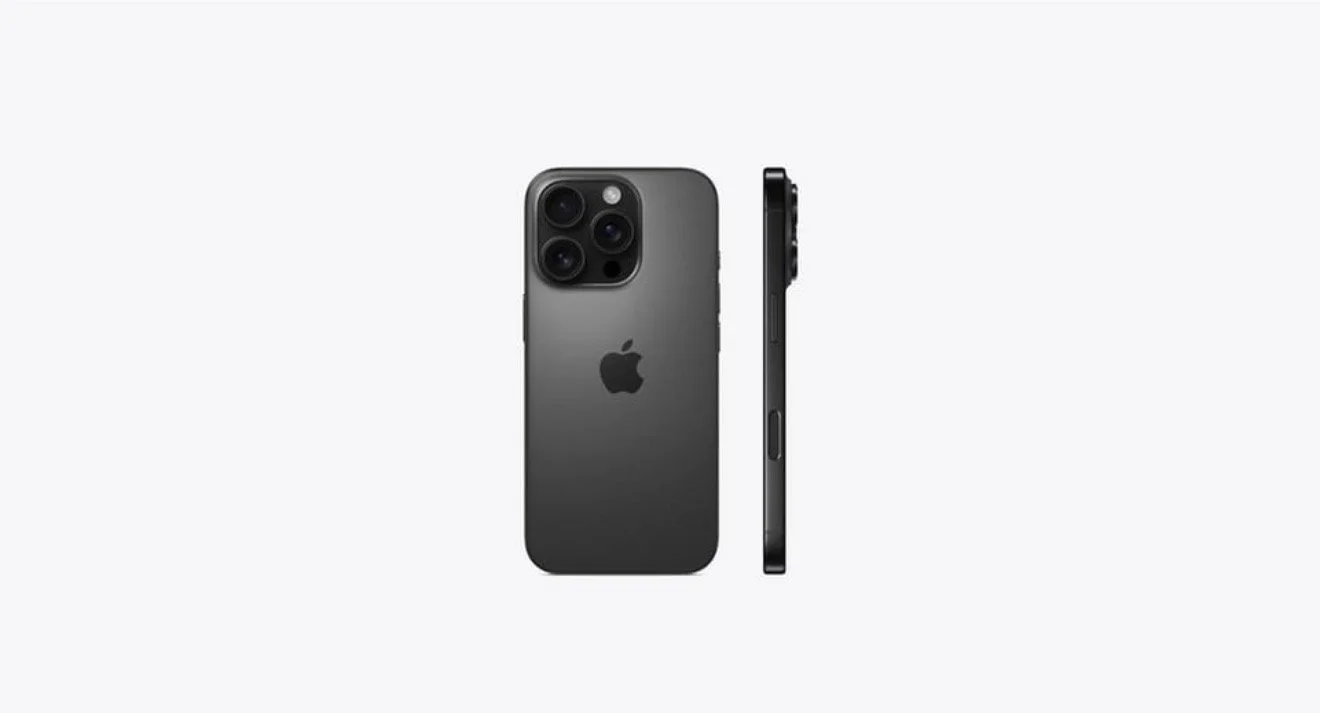 Image 2 of 3
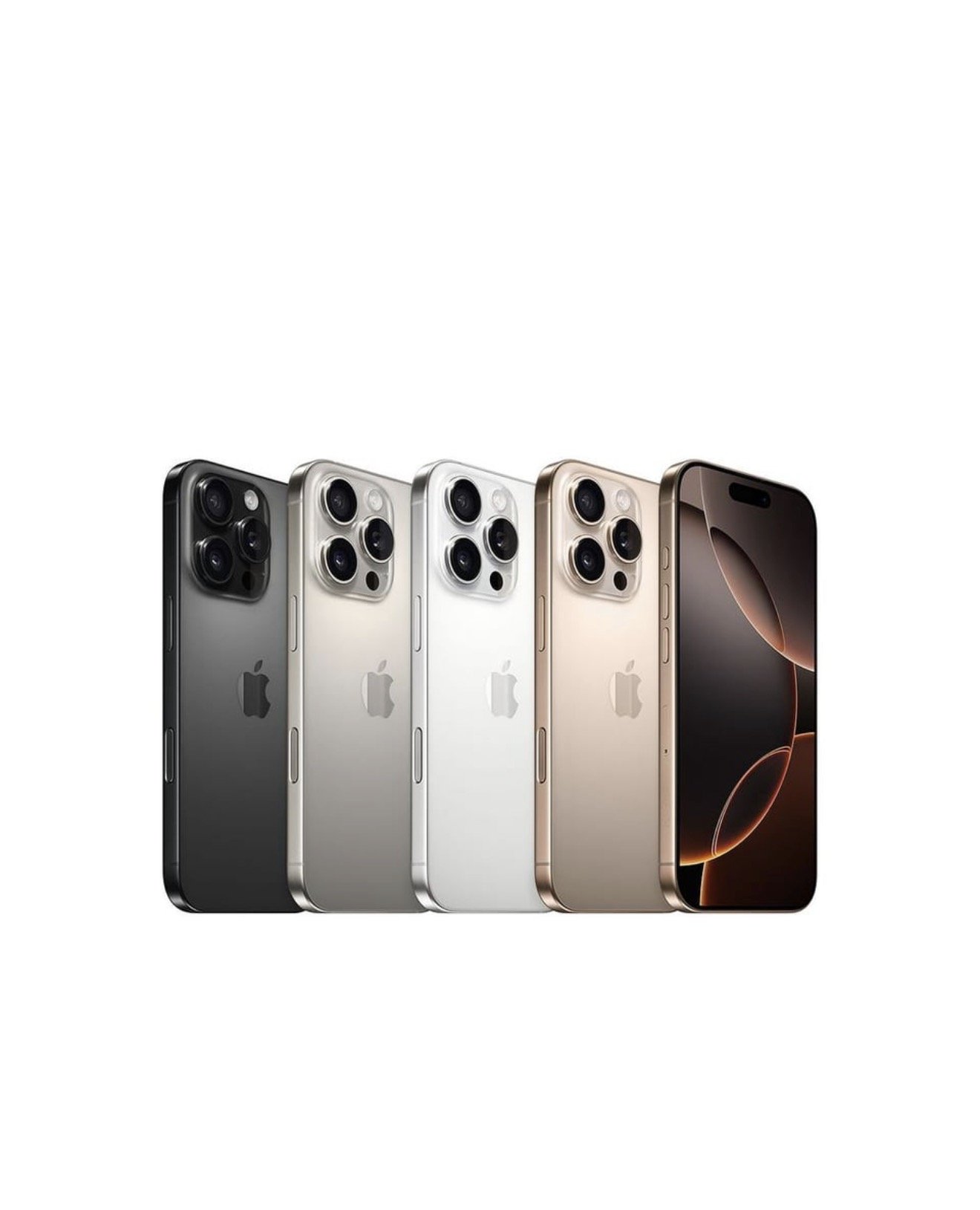 Image 3 of 3
iPhone 16 Pro • Unlocked eSIM
Key features
Model: iPhone 16 Pro
Carrier: Unlocked (works with any carrier that supports eSIM)
eSIM: Built-in eSIM; no physical SIM required
Condition: Specify new or refurbished as applicable
Storage options: 128GB / 256GB / 512GB / 1TB (confirm available capacity)
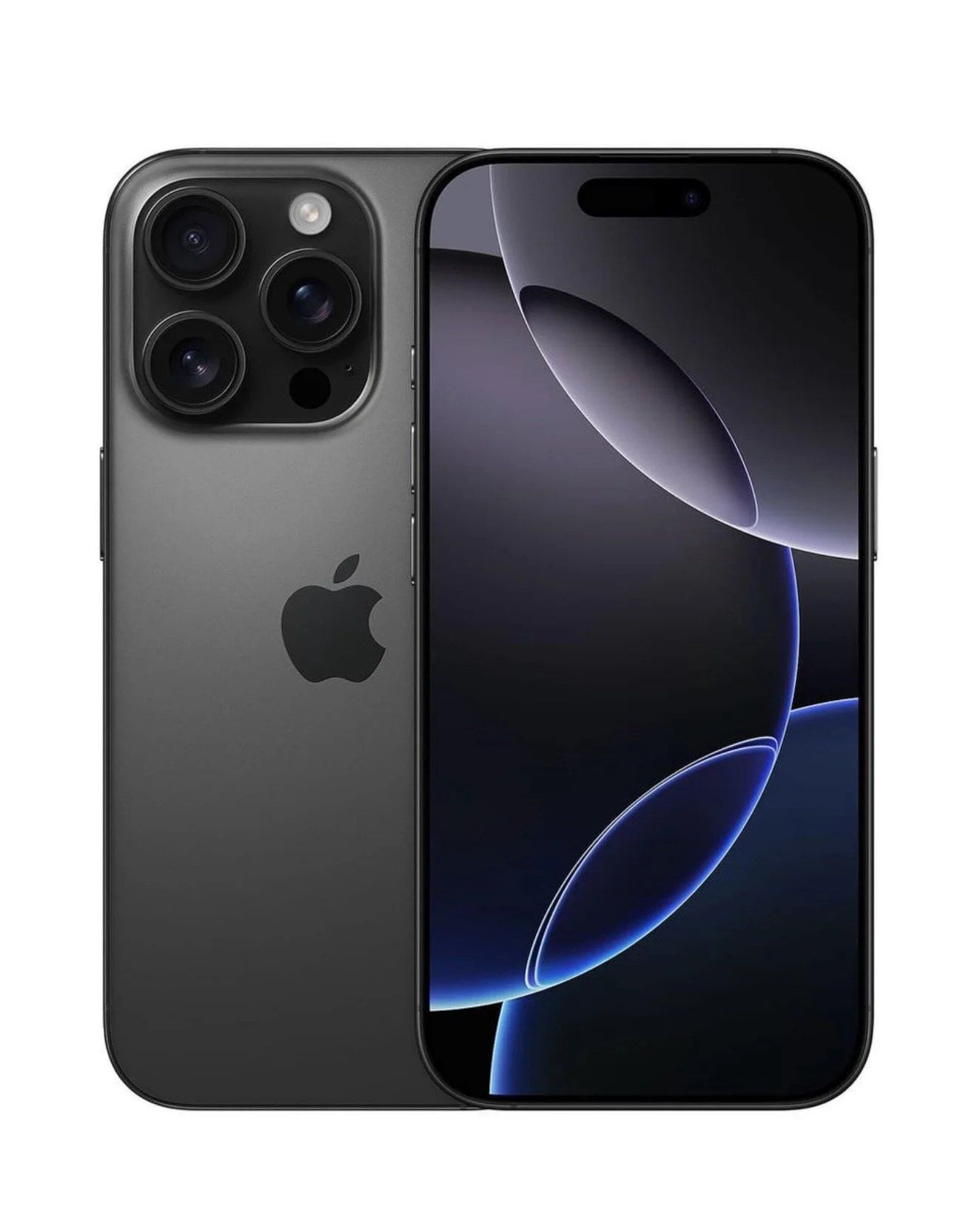
Color options: Space Black / Silver / Blue / Natural Titanium (confirm current availability)
Display: 6.3-inch (approx.) Super Retina XDR with ProMotion
Processor: A-series chip (latest generation for iPhone 16 Pro)
Camera system: Pro triple-camera system with advanced low-light performance, telephoto, and computational photography features
Battery: All-day battery with fast charging and MagSafe support
Connectivity: 5G, Wi‑Fi 6E/7 (confirm model), Bluetooth, Ultra Wideband
Biometrics: Face ID
Warranty: Manufacturer warranty (confirm remaining warranty or included protection)
What “Unlocked eSIM” means
Device is not tied to any specific carrier; you can activate cellular service using an eSIM profile from a compatible carrier.
No physical SIM card is required; carrier provision is completed digitally.
Ideal for international travel, switching carriers, or using multiple eSIM profiles (depending on carrier/device limits).
Before purchase checklist
Confirm the exact storage capacity and color.
Verify new vs. refurbished condition and inspect warranty coverage.
Ensure your chosen carrier supports eSIM activation for iPhone 16 Pro in your region.
Ask about return policy and any activation fees.
Confirm device is not carrier-locked or blacklisted (IMEI clean).
Setup notes
To activate: follow carrier’s eSIM activation process (QR code, carrier app, or activation code) or use iPhone Settings > Cellular > Add eSIM.
Transfer an existing number via eSIM Quick Transfer if both devices support it.
You can store multiple eSIM profiles but only have a limited number active simultaneously; check limits for switching.
Shipping and activation help
Request IMEI/serial number for carrier compatibility checks before purchasing.
If you need step-by-step activation help with a specific carrier, provide the carrier name and country and I’ll guide you through the process.
If you want, tell me the storage, color, condition
iPhone 16 Pro • Unlocked eSIM
Key features
Model: iPhone 16 Pro
Carrier: Unlocked (works with any carrier that supports eSIM)
eSIM: Built-in eSIM; no physical SIM required
Condition: Specify new or refurbished as applicable
Storage options: 128GB / 256GB / 512GB / 1TB (confirm available capacity)
Color options: Space Black / Silver / Blue / Natural Titanium (confirm current availability)
Display: 6.3-inch (approx.) Super Retina XDR with ProMotion
Processor: A-series chip (latest generation for iPhone 16 Pro)
Camera system: Pro triple-camera system with advanced low-light performance, telephoto, and computational photography features
Battery: All-day battery with fast charging and MagSafe support
Connectivity: 5G, Wi‑Fi 6E/7 (confirm model), Bluetooth, Ultra Wideband
Biometrics: Face ID
Warranty: Manufacturer warranty (confirm remaining warranty or included protection)
What “Unlocked eSIM” means
Device is not tied to any specific carrier; you can activate cellular service using an eSIM profile from a compatible carrier.
No physical SIM card is required; carrier provision is completed digitally.
Ideal for international travel, switching carriers, or using multiple eSIM profiles (depending on carrier/device limits).
Before purchase checklist
Confirm the exact storage capacity and color.
Verify new vs. refurbished condition and inspect warranty coverage.
Ensure your chosen carrier supports eSIM activation for iPhone 16 Pro in your region.
Ask about return policy and any activation fees.
Confirm device is not carrier-locked or blacklisted (IMEI clean).
Setup notes
To activate: follow carrier’s eSIM activation process (QR code, carrier app, or activation code) or use iPhone Settings > Cellular > Add eSIM.
Transfer an existing number via eSIM Quick Transfer if both devices support it.
You can store multiple eSIM profiles but only have a limited number active simultaneously; check limits for switching.
Shipping and activation help
Request IMEI/serial number for carrier compatibility checks before purchasing.
If you need step-by-step activation help with a specific carrier, provide the carrier name and country and I’ll guide you through the process.
If you want, tell me the storage, color, condition