 Image 1 of 4
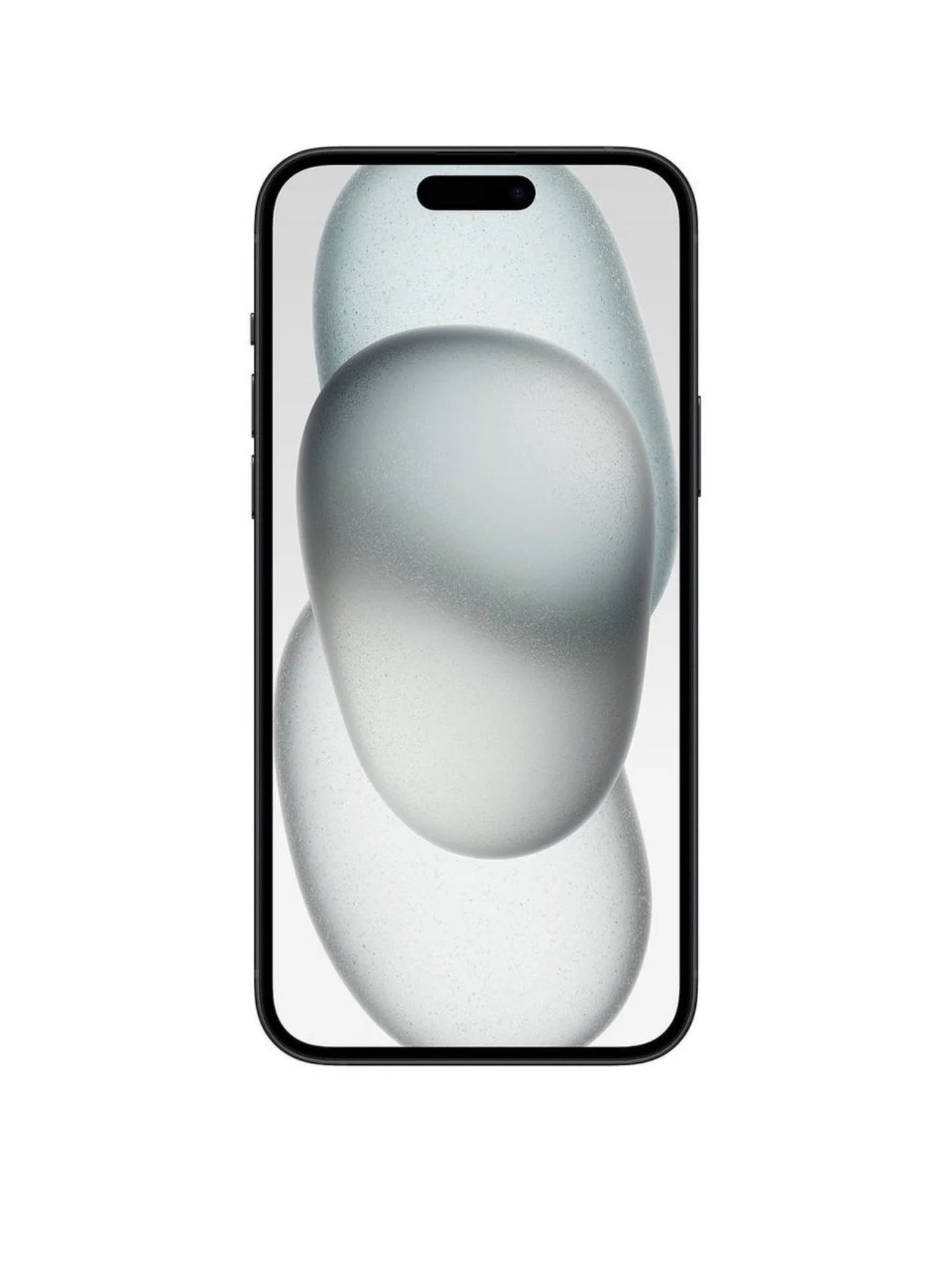 Image 2 of 4
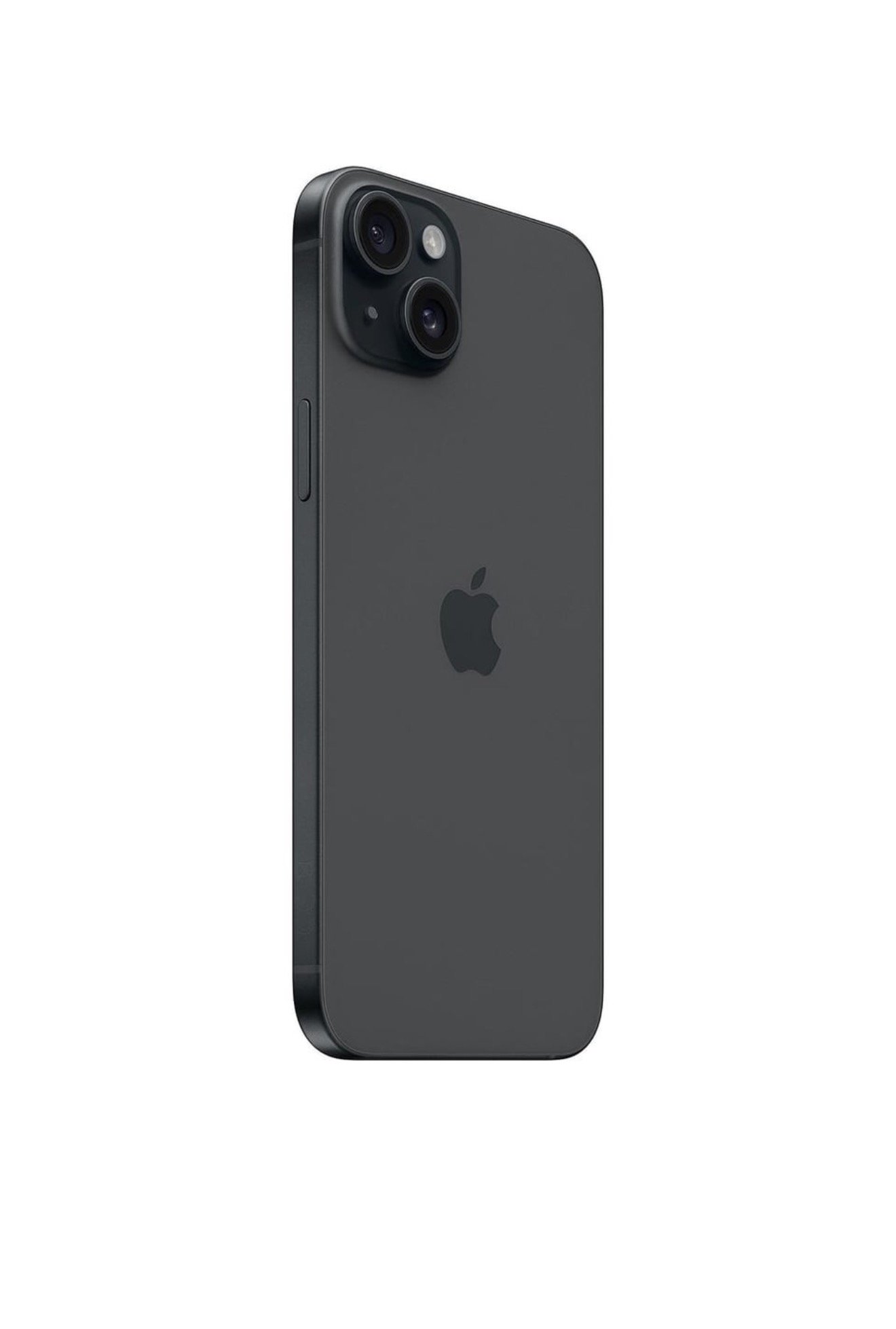 Image 3 of 4
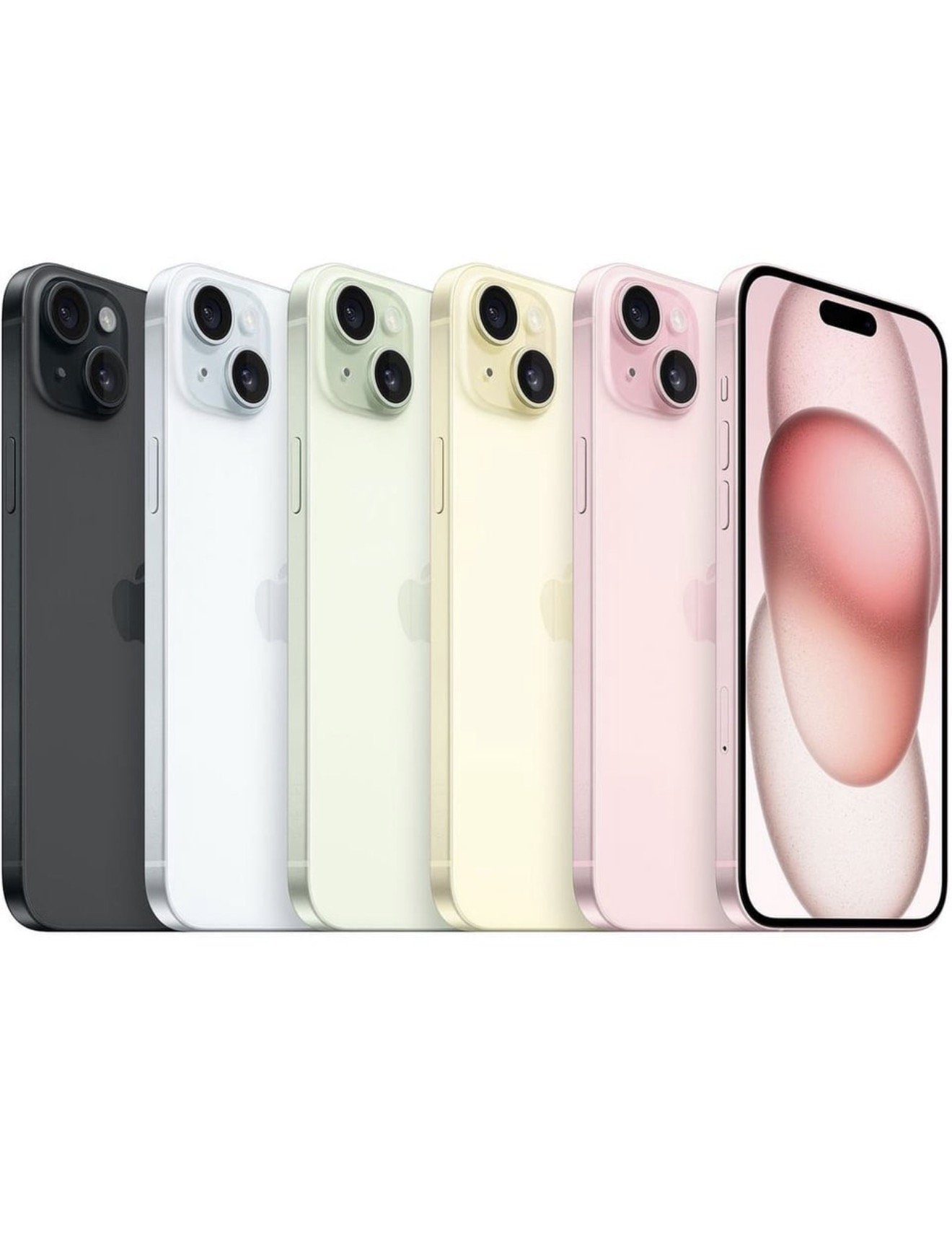 Image 4 of 4
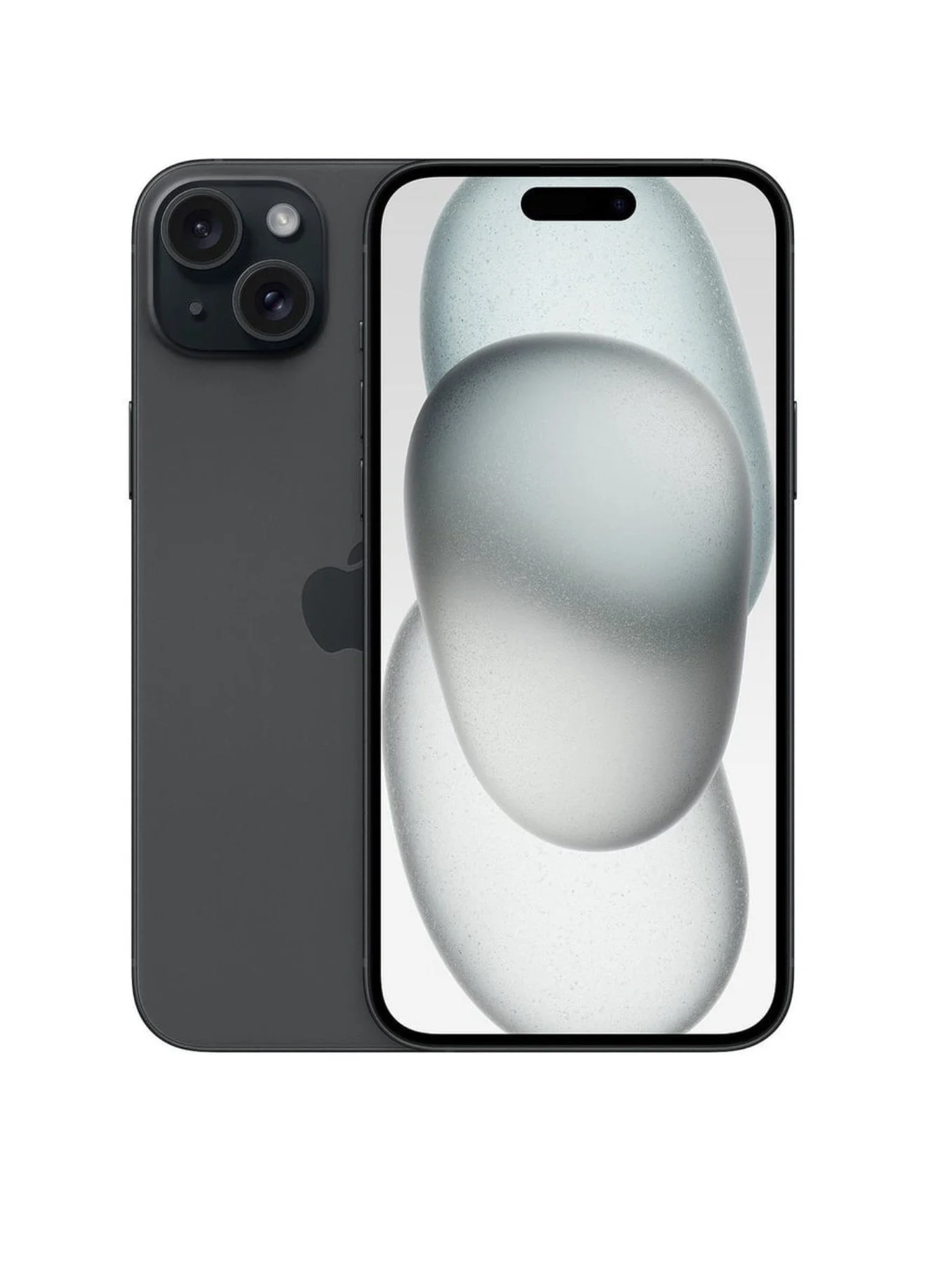
iPhone 15 Plus — Unlocked with eSIM
Overview
Model: iPhone 15 Plus
Condition: Unlocked
SIM: eSIM only (no physical SIM tray)
Color, storage, and accessories: Specify desired color and storage capacity; accessories vary by retailer
Key features
Display: 6.7-inch Super Retina XDR OLED
Processor: A16 Bionic (or A17 Pro depending on configuration/year); check exact chipset for the unit
Camera: Dual rear cameras with improved low-light performance and computational photography features
Battery: All-day battery life with fast charging and MagSafe wireless charging compatibility
Connectivity: 5G, Wi‑Fi 6/6E depending on model, Bluetooth 5.x
Biometrics: Face ID
Operating system: Ships with iOS (latest supported version); eligible for multiple years of iOS updates
Build: Aerospace-grade aluminum frame with Ceramic Shield front
Advantages of buying unlocked eSIM iPhone 15 Plus
Carrier freedom: Use with any carrier that supports eSIM (domestic or international) without being tied to a specific provider
Easier switching: Activate service via QR code, carrier app, or carrier transfer without a physical SIM
Dual SIM capability: Use eSIM plus a secondary eSIM on supported models, or eSIM + physical SIM on models that include a tray (note: iPhone 15 Plus is eSIM-only in some regions — verify region specifics)
Resale value: Unlocked phones typically have higher resale value and broader buyer appeal
Travel convenience: Purchase local eSIM plans when abroad to avoid roaming charges
What to check before buying
Region compatibility: Some iPhone 15 Plus units sold in the U.S. are eSIM-only; other regions may have different SIM arrangements. Confirm the device supports the carriers you plan to use.
Carrier eSIM support: Verify your carrier(s) support eSIM activation and the specific eSIM features you need (e.g., number transfer, multi-line support).
Warranty and activation lock: Ensure Activation Lock is disabled (sign out of the previous owner’s iCloud) and confirm warranty/AppleCare status.
IMEI and model number: Check IMEI and model number to confirm unlocked status and to verify against carrier compatibility lists.
Return policy and receipts: Keep purchase receipts and check return/exchange policies.
How to activate eSIM on iPhone 15 Plus
From carrier: Receive a QR code or activation code from your carrier.
Settings: Open Settings > Cellular > Add Cellular Plan.
Scan: Scan the QR code or enter details provided by the carrier.
Confirm: Label plans (e.g., Primary, Business) and set your default line for voice, messaging, and data.
Transfer: Some carriers allow direct transfer of an eSIM from another device via device-to-device transfer during setup.
Tips
Back up before switching carriers or transferring numbers.
Keep a screenshot or written copy of the eSIM activation details.
If traveling, check local eSIM providers and short-term plans — some offer instant activation after purchase.
For frequent international travel, consider eSIM providers offering multi-country data plans.
Summary An unlocked iPhone 15 Plus with eSIM offers flexibility, easy carrier switching, and convenience for travel. Confirm regional SIM configuration and carrier eSIM support before purchase to ensure compatibility.
iPhone 15 Plus — Unlocked with eSIM
Overview
Model: iPhone 15 Plus
Condition: Unlocked
SIM: eSIM only (no physical SIM tray)
Color, storage, and accessories: Specify desired color and storage capacity; accessories vary by retailer
Key features
Display: 6.7-inch Super Retina XDR OLED
Processor: A16 Bionic (or A17 Pro depending on configuration/year); check exact chipset for the unit
Camera: Dual rear cameras with improved low-light performance and computational photography features
Battery: All-day battery life with fast charging and MagSafe wireless charging compatibility
Connectivity: 5G, Wi‑Fi 6/6E depending on model, Bluetooth 5.x
Biometrics: Face ID
Operating system: Ships with iOS (latest supported version); eligible for multiple years of iOS updates
Build: Aerospace-grade aluminum frame with Ceramic Shield front
Advantages of buying unlocked eSIM iPhone 15 Plus
Carrier freedom: Use with any carrier that supports eSIM (domestic or international) without being tied to a specific provider
Easier switching: Activate service via QR code, carrier app, or carrier transfer without a physical SIM
Dual SIM capability: Use eSIM plus a secondary eSIM on supported models, or eSIM + physical SIM on models that include a tray (note: iPhone 15 Plus is eSIM-only in some regions — verify region specifics)
Resale value: Unlocked phones typically have higher resale value and broader buyer appeal
Travel convenience: Purchase local eSIM plans when abroad to avoid roaming charges
What to check before buying
Region compatibility: Some iPhone 15 Plus units sold in the U.S. are eSIM-only; other regions may have different SIM arrangements. Confirm the device supports the carriers you plan to use.
Carrier eSIM support: Verify your carrier(s) support eSIM activation and the specific eSIM features you need (e.g., number transfer, multi-line support).
Warranty and activation lock: Ensure Activation Lock is disabled (sign out of the previous owner’s iCloud) and confirm warranty/AppleCare status.
IMEI and model number: Check IMEI and model number to confirm unlocked status and to verify against carrier compatibility lists.
Return policy and receipts: Keep purchase receipts and check return/exchange policies.
How to activate eSIM on iPhone 15 Plus
From carrier: Receive a QR code or activation code from your carrier.
Settings: Open Settings > Cellular > Add Cellular Plan.
Scan: Scan the QR code or enter details provided by the carrier.
Confirm: Label plans (e.g., Primary, Business) and set your default line for voice, messaging, and data.
Transfer: Some carriers allow direct transfer of an eSIM from another device via device-to-device transfer during setup.
Tips
Back up before switching carriers or transferring numbers.
Keep a screenshot or written copy of the eSIM activation details.
If traveling, check local eSIM providers and short-term plans — some offer instant activation after purchase.
For frequent international travel, consider eSIM providers offering multi-country data plans.
Summary An unlocked iPhone 15 Plus with eSIM offers flexibility, easy carrier switching, and convenience for travel. Confirm regional SIM configuration and carrier eSIM support before purchase to ensure compatibility.