 Image 1 of 3
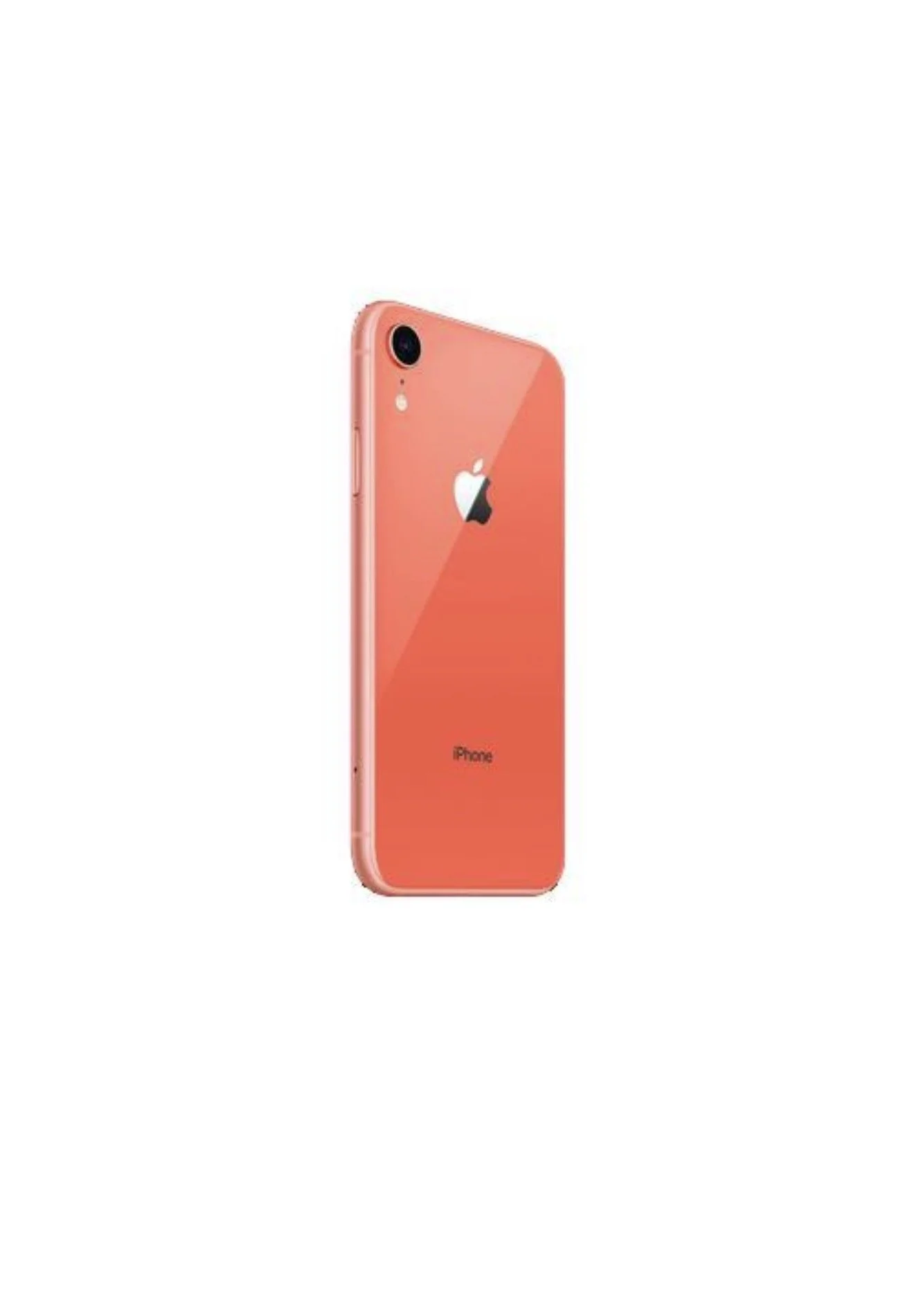 Image 2 of 3
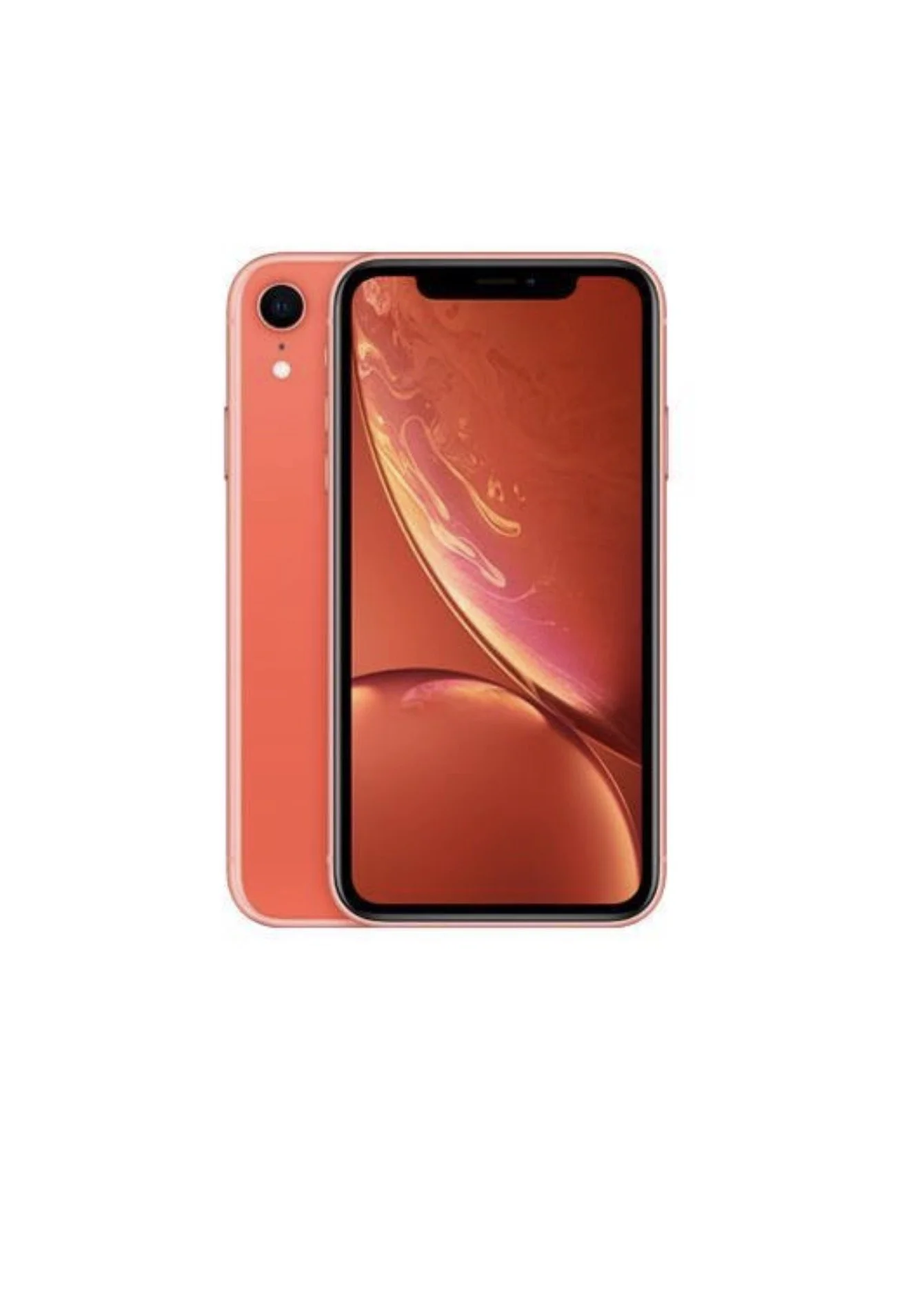 Image 3 of 3
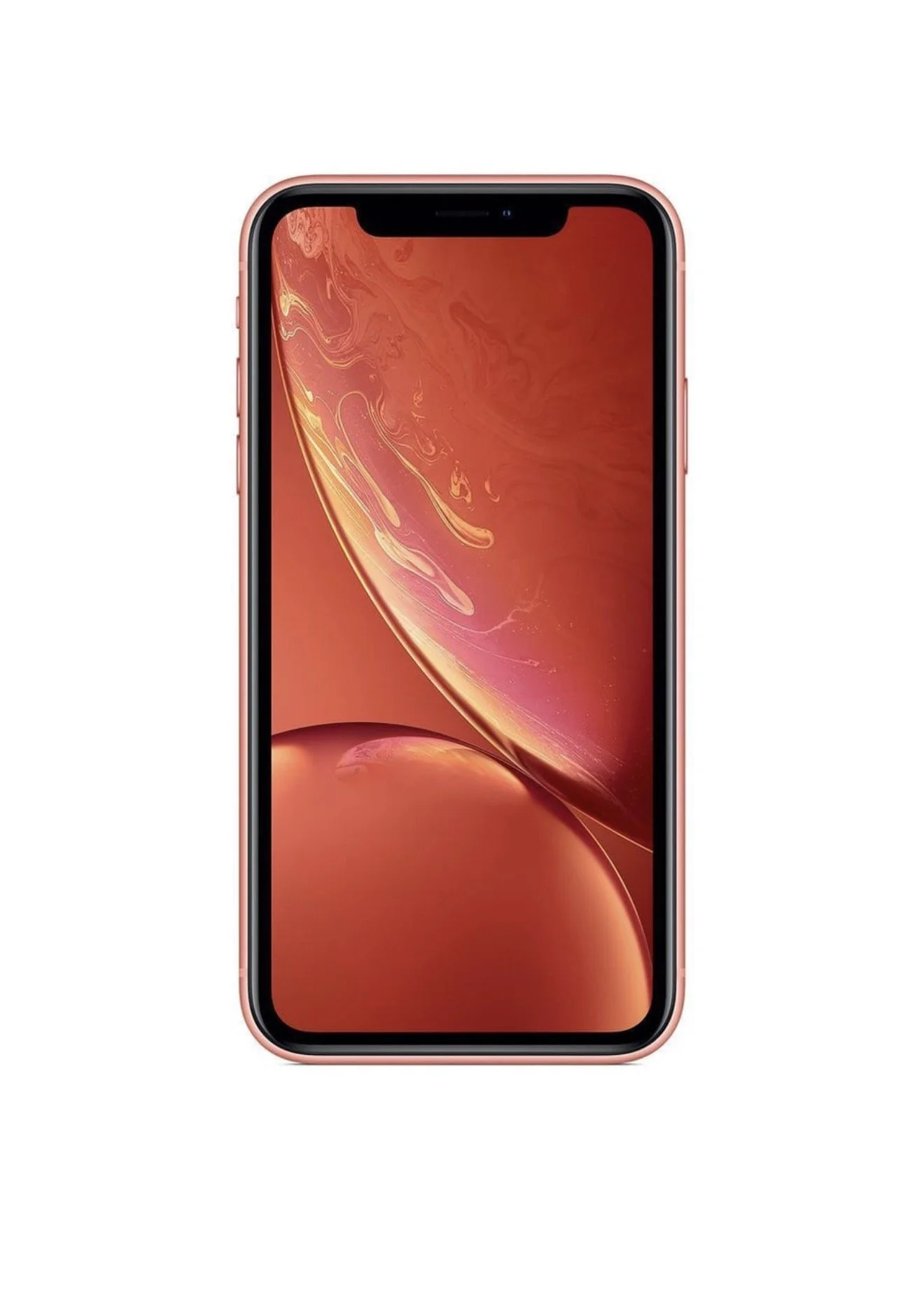
iPhone XR — Unlocked (Physical SIM + eSIM)
Model overview
Carrier status: Unlocked — works with any carrier that supports the iPhone XR.
SIM configuration: Physical Nano-SIM slot plus eSIM support (dual-SIM capability: one physical SIM + one eSIM).
Network compatibility: LTE (Gigabit LTE on some models), Voice over LTE (VoLTE), Wi‑Fi calling supported where carriers allow. Not 5G-capable.
Key specifications
Display: 6.1-inch Liquid Retina HD (LCD), 1792 x 828 resolution.
Processor: A12 Bionic chip.
Storage options: Typically 64 GB, 128 GB, 256 GB (verify exact capacity before purchase).
Camera: Single 12 MP rear camera (wide, OIS), 7 MP TrueDepth front camera with Face ID.
Battery: All-day battery life (varies by usage); supports fast charging and Qi wireless charging.
Operating system: Originally shipped with iOS 12; compatible with modern iOS updates (confirm current iOS version).
Build: Aluminum frame with glass back; IP67 dust and water resistance.
Benefits of unlocked + eSIM
Carrier flexibility: Use any compatible carrier and switch providers without carrier unlocking procedures.
Dual-SIM convenience: Keep a primary physical SIM and add a secondary line via eSIM — useful for travel, separate work/personal numbers, or local data plans abroad.
Resale value: Unlocked devices typically have higher resale value and broader buyer appeal.
Things to check before buying
Model number and regional compatibility: Some XR models have differences in LTE band support. Confirm the model (e.g., A1984, A2105, A2106, A2108) matches required network bands for your carrier or region.
Activation: Ensure the eSIM can be activated with your chosen carrier; carriers vary in eSIM support and activation procedures.
iCloud & Activation Lock: Verify the device is not iCloud locked. Ask the seller to remove the device from their Apple ID and sign out of iCloud before transfer.
Physical condition: Inspect for screen damage, frame bends, water damage, and battery health. Request battery cycle count or a recent battery health percentage.
Accessories & warranty: Confirm included accessories, original box, and remaining Apple warranty or AppleCare status if applicable.
How to use eSIM on iPhone XR (general steps)
Obtain an eSIM activation QR code or carrier details from your carrier.
Go to Settings > Cellular > Add Cellular Plan.
Scan the QR code or enter details as provided by the carrier.
Label plans (e.g., Primary, Travel) and set default voice, data, and line preferences.
Test calling, messaging, and cellular data to confirm activation.
Who this is for
Travelers who want a local data plan plus a home number.
Users who prefer the flexibility of switching carriers easily.
Anyone seeking a capable mid-range iPhone with solid performance and camera for everyday use without 5G.
Short checklist for sellers/buyers
Confirm unlocked status and eSIM capability.
Verify model number and compatible bands.
Remove iCloud/Activation Lock.
Check cosmetic condition and battery health.
Confirm carrier supports eSIM activation.
If you want, provide the model number and storage capacity and I’ll verify carrier band compatibility and give steps tailored to your carrier for eSIM activation.
iPhone XR — Unlocked (Physical SIM + eSIM)
Model overview
Carrier status: Unlocked — works with any carrier that supports the iPhone XR.
SIM configuration: Physical Nano-SIM slot plus eSIM support (dual-SIM capability: one physical SIM + one eSIM).
Network compatibility: LTE (Gigabit LTE on some models), Voice over LTE (VoLTE), Wi‑Fi calling supported where carriers allow. Not 5G-capable.
Key specifications
Display: 6.1-inch Liquid Retina HD (LCD), 1792 x 828 resolution.
Processor: A12 Bionic chip.
Storage options: Typically 64 GB, 128 GB, 256 GB (verify exact capacity before purchase).
Camera: Single 12 MP rear camera (wide, OIS), 7 MP TrueDepth front camera with Face ID.
Battery: All-day battery life (varies by usage); supports fast charging and Qi wireless charging.
Operating system: Originally shipped with iOS 12; compatible with modern iOS updates (confirm current iOS version).
Build: Aluminum frame with glass back; IP67 dust and water resistance.
Benefits of unlocked + eSIM
Carrier flexibility: Use any compatible carrier and switch providers without carrier unlocking procedures.
Dual-SIM convenience: Keep a primary physical SIM and add a secondary line via eSIM — useful for travel, separate work/personal numbers, or local data plans abroad.
Resale value: Unlocked devices typically have higher resale value and broader buyer appeal.
Things to check before buying
Model number and regional compatibility: Some XR models have differences in LTE band support. Confirm the model (e.g., A1984, A2105, A2106, A2108) matches required network bands for your carrier or region.
Activation: Ensure the eSIM can be activated with your chosen carrier; carriers vary in eSIM support and activation procedures.
iCloud & Activation Lock: Verify the device is not iCloud locked. Ask the seller to remove the device from their Apple ID and sign out of iCloud before transfer.
Physical condition: Inspect for screen damage, frame bends, water damage, and battery health. Request battery cycle count or a recent battery health percentage.
Accessories & warranty: Confirm included accessories, original box, and remaining Apple warranty or AppleCare status if applicable.
How to use eSIM on iPhone XR (general steps)
Obtain an eSIM activation QR code or carrier details from your carrier.
Go to Settings > Cellular > Add Cellular Plan.
Scan the QR code or enter details as provided by the carrier.
Label plans (e.g., Primary, Travel) and set default voice, data, and line preferences.
Test calling, messaging, and cellular data to confirm activation.
Who this is for
Travelers who want a local data plan plus a home number.
Users who prefer the flexibility of switching carriers easily.
Anyone seeking a capable mid-range iPhone with solid performance and camera for everyday use without 5G.
Short checklist for sellers/buyers
Confirm unlocked status and eSIM capability.
Verify model number and compatible bands.
Remove iCloud/Activation Lock.
Check cosmetic condition and battery health.
Confirm carrier supports eSIM activation.
If you want, provide the model number and storage capacity and I’ll verify carrier band compatibility and give steps tailored to your carrier for eSIM activation.